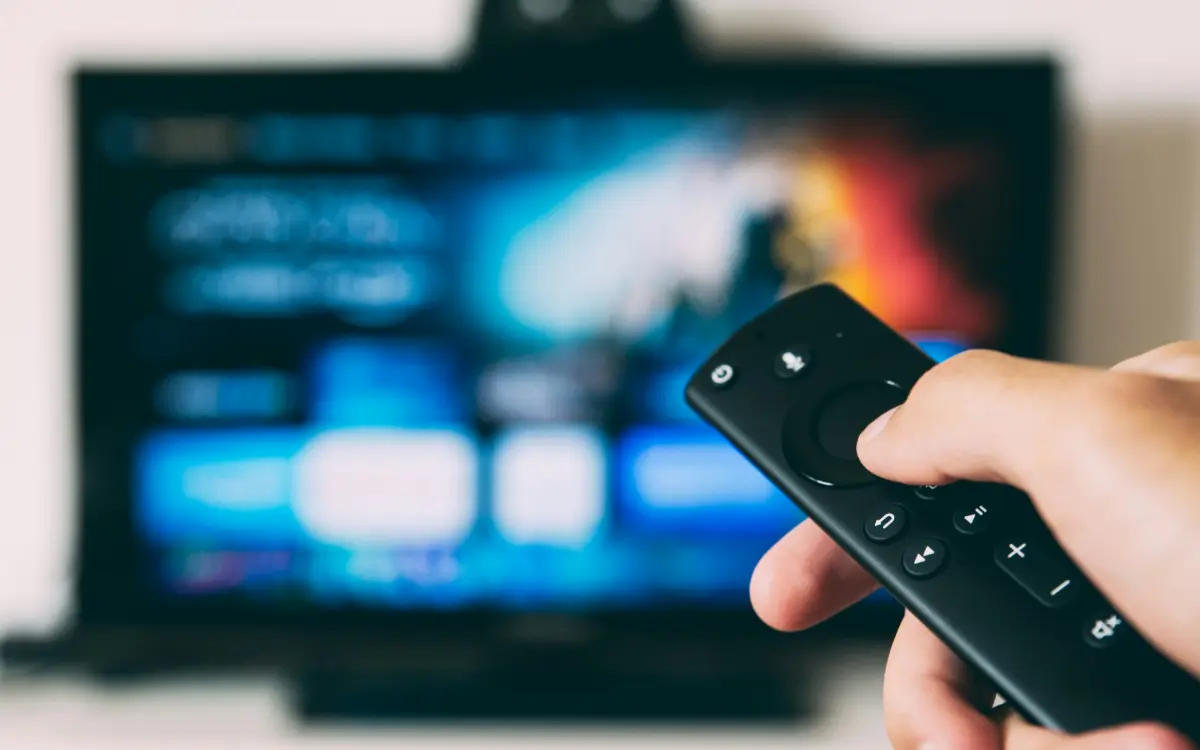
Amazon Firestick is one of the most popular devices for IPTV streaming due to its affordability, portability, and ease of use. This guide will walk you through the complete installation process.
First, you'll need to enable installation from unknown sources. Go to Settings > My Fire TV > Developer Options and turn on 'Apps from Unknown Sources'. This allows you to install apps that aren't available in the Amazon App Store.
Next, download the Downloader app from the Amazon App Store. This free app allows you to download and install APK files directly on your Firestick. Open Downloader and enter the URL for your preferred IPTV app.
Once the app is downloaded, follow the on-screen prompts to install it. After installation, open the IPTV app and enter your subscription credentials (username, password, and server URL) provided by your IPTV service.
For the best experience, we recommend using a VPN on your Firestick to protect your privacy and potentially improve streaming speeds by avoiding ISP throttling.
Frequently asked questions
Is it legal to install IPTV on Firestick?
Installing IPTV apps on Firestick is legal. However, the legality depends on the content you access. Always use legitimate IPTV services with proper licensing.
Why is my IPTV buffering on Firestick?
Buffering can be caused by slow internet, ISP throttling, or server issues. Try using a VPN, clearing the app cache, or connecting via ethernet for better performance.
Can I use Firestick IPTV without internet?
No, IPTV requires an active internet connection to stream content. A minimum speed of 10 Mbps is recommended for HD streaming, and 25 Mbps for 4K.